
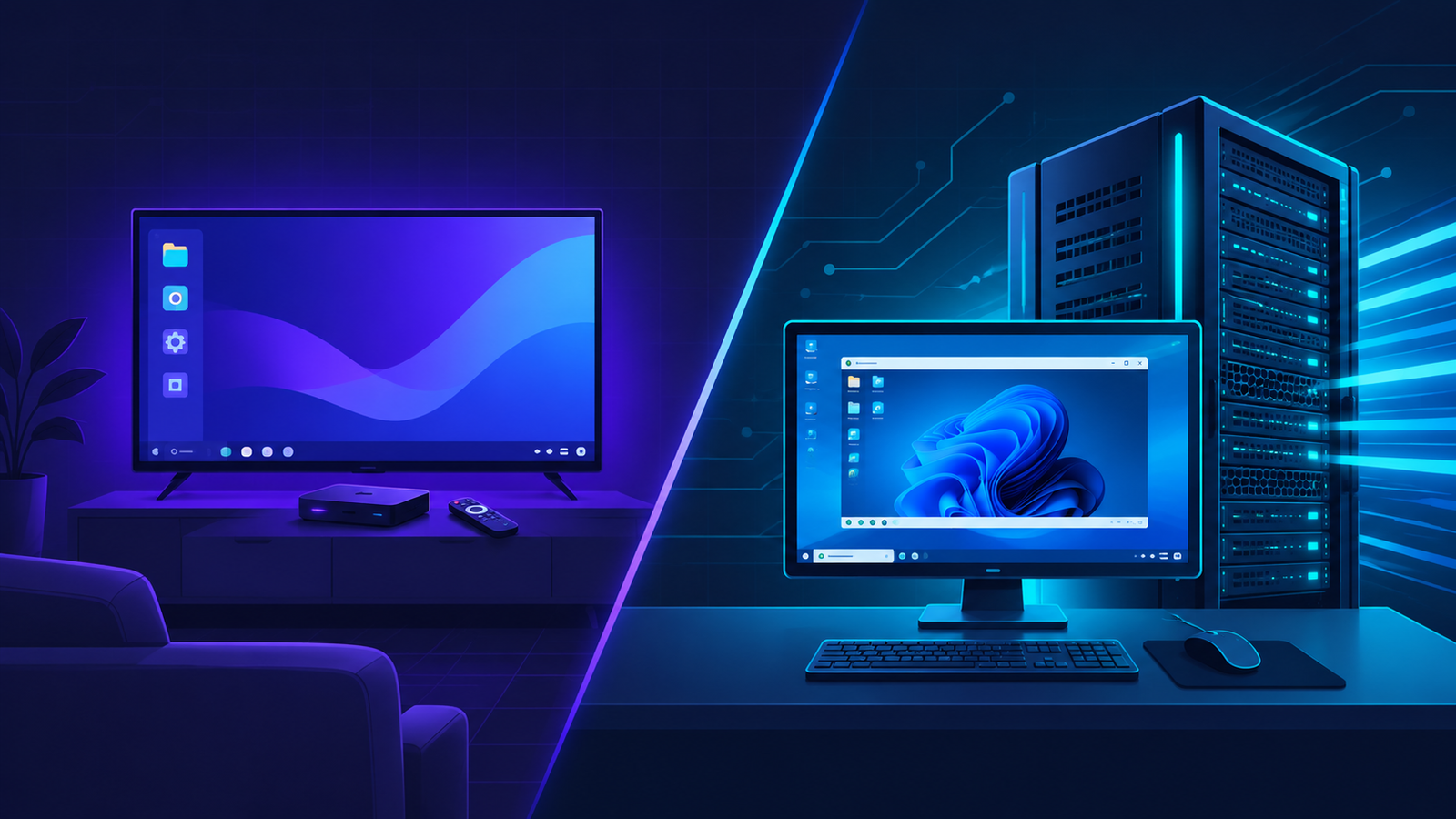
Reliance Jio’s JioPC launch has put remote computing in front of a huge new audience in India. For the first time, a mainstream telecom brand is selling the idea that your computer doesn’t have to sit on your desk anymore. It can live in the cloud and stream to whatever screen you have in front of you, TV included.
That’s a genuinely useful idea for a lot of people. It’s also not built for everyone. If you’re a developer, a trader, an architect, a video editor, or anyone running Windows-specific software at full tilt, JioPC’s design choices start to show their limits fast. This is where a Private RDP or Windows VPS setup, the kind KwikServer has been running for years, does a different job entirely.
What JioPC Actually Offers
JioPC is a browser-based virtual desktop. You log in from a laptop, an old desktop, or a TV connected to a Jio set-top box, and a Linux desktop streams to your screen from Jio’s servers. There are two tiers: a base plan with 4 virtual CPU cores, 8GB of RAM, and 500GB of storage, and an Ultra plan with 8 virtual cores, 16GB of RAM, and 1TB of storage. Pricing starts at roughly 11 rupees a day on an annual plan, with a free trial to test it out.
For students, first-time computer users, or anyone who just needs a browser and office apps without buying hardware, that’s a solid deal. It removes the upfront cost of a PC entirely.
Where It Falls Short for Serious Work
The limits show up as soon as your work gets specific.
It runs Linux, not Windows. A lot of professional software, AutoCAD, QuickBooks, certain trading terminals, Adobe’s full suite, specialized engineering and accounting tools, is built for Windows and doesn’t have a real Linux equivalent. If your job depends on one of these, JioPC’s OS choice is a dead end before you even get to performance.
Resources are shared cloud allocations, not dedicated capacity. JioPC’s vCPU and RAM numbers describe what you’re assigned inside a shared cloud environment. That’s normal for a consumer product aimed at casual use, but it’s not the same as a private, dedicated environment where your workload isn’t competing with anyone else’s for the same underlying hardware.
There’s no root-level control over the underlying environment. JioPC gives you a desktop to use, not a server to configure. You can’t install a custom Windows Server build, set up a dedicated database instance, run your own automation stack, or tune the machine for a specific rendering or trading workload.
Storage and scaling are fixed to two tiers. 500GB or 1TB, take it or leave it. Professionals running large datasets, VM images, or media libraries often need to size storage independently of compute, which isn’t an option here.
None of this makes JioPC a bad product. It just wasn’t built for people who need a real, private, Windows-capable machine they can configure however their work demands.
KwikServer as a JioPC Alternative for Professionals
This is the gap KwikServer’s Private RDP and Windows VPS plans are built for.
A Private RDP gives you a dedicated, isolated Windows server with full root and admin access. Not a shared session, not a browser tab competing with other users’ traffic. You get a private IP, full control over what’s installed, and enough headroom to run encoding, automation, or trading software without asking permission or working around restrictions.
A Windows VPS goes a step further for anyone who needs server-grade configuration: your own OS instance, full administrator rights, and the ability to set up networking, storage, and software exactly as your workload requires. That matters for low-latency trading setups, dev and test environments that need to mirror production, or any business application that has to stay online on its own dedicated resources.
Because these are private, dedicated resources rather than shared cloud allocations, performance stays consistent under load instead of fluctuating with how many other users are active on the same infrastructure. That consistency is often the actual difference between “good enough for browsing” and “reliable enough to run my business on.”
KwikServer Pricing: Private RDP and Windows VPS
Unlike JioPC’s two fixed tiers, KwikServer scales from entry-level to high-performance, so you only pay for what your work actually needs.
Private RDP Plans (from $16/month)
| Plan | CPU | RAM | Storage | Price |
|---|---|---|---|---|
| Entry | 1 vCore | 2.5GB DDR3 | 500GB HDD | $16/month |
| Standard | 2 vCore | 4GB DDR3 | 1TB HDD | $22/month |
| Plus | 4 vCore | 8GB DDR3 | 2TB HDD | $35/month |
| Pro | 6 vCore | 12GB DDR3 | 3TB HDD | $50/month |
| Elite | 8 vCore | 16GB DDR3 | 4TB HDD | $70/month |
All Private RDP plans include full root/admin access, a dedicated IP, 1 Gbps port, DDoS protection, and 24/7 chat support. Encoding is allowed on every tier.
Windows VPS Plans (from $25/month)
| Plan | CPU | RAM (DDR4) | Storage | Price |
|---|---|---|---|---|
| Basic | 4 vCore, Intel Xeon E5 | 6GB | 200GB SSD | $25/month |
| Standard | 6 vCore, Intel Xeon E5 | 8GB | 350GB SSD | $30/month |
| Premium | 8 vCore, Intel Xeon E5 | 16GB | 500GB SSD | $35/month |
Every Windows VPS plan includes full administrator rights, a private IP address, unlimited bandwidth on a 1 Gbps dedicated port, and your choice of Windows Server 2019, 2022, or 2025. A 7-day money-back guarantee applies across all plans.
JioPC vs KwikServer Private RDP / Windows VPS
| JioPC | KwikServer Private RDP / Windows VPS | |
|---|---|---|
| Operating system | Linux (cloud desktop) | Windows Server 2019/2022/2025, your choice |
| Resource model | Shared cloud allocation | Dedicated, private resources |
| Admin/root access | No | Yes, full control |
| Custom software installs | Limited to what the platform supports | Full control, install anything |
| Storage flexibility | Fixed at 500GB or 1TB | Scales from 200GB to 4TB depending on plan |
| Starting price | ~$7/month (₹599 or ₹11/day annual) | $16/month (Private RDP), $25/month (Windows VPS) |
| Access method | Browser or Jio set-top box + TV | Standard RDP client from any device |
| Best suited for | Casual browsing, office apps, students | Professional software, trading, encoding, dev/test, hosting |
Who Should Actually Choose What
If you need a computer for browsing, streaming, office documents, or basic schoolwork and you don’t want to buy hardware, JioPC is a reasonable, cheap way to get there. There’s no argument against it for that use case.
If your work depends on Windows-only software, needs guaranteed performance, requires admin-level configuration, or has to run reliably enough that “shared with other users” isn’t an acceptable answer, a Private RDP or Windows VPS is the more sensible choice. It costs more than JioPC, but you’re paying for a machine that’s actually yours to configure, not a seat in someone else’s shared system.
Frequently Asked Questions
Is JioPC good enough for professional or business use?
It depends on the software you run. JioPC works on a Linux-based cloud desktop with shared resources, which is fine for browsing and general office work but limiting for Windows-specific professional tools, consistent high-performance workloads, or anything needing admin-level configuration.
What is a good JioPC alternative for Windows software?
A Private RDP or Windows VPS is the direct alternative for anyone who needs to run Windows applications remotely. Unlike JioPC, these give you a real Windows environment with administrator access, so software that has no Linux equivalent runs normally.
What’s the difference between a Private RDP and a Windows VPS?
A Private RDP gives you a dedicated Windows server session with full root access for running software and daily work. A Windows VPS gives you a full virtual server with administrator rights, useful for hosting, automation, or workloads that need deeper system-level configuration.
Why does high performance RDP matter for professional use in India?
Latency and consistency matter more than raw specs for tasks like trading, remote encoding, or running client-facing tools. A high performance RDP hosted with dedicated resources and reliable network routing avoids the slowdowns that come with shared cloud environments during peak usage.
Can I use a Windows VPS instead of buying a new PC?
Yes. A Windows VPS lets you offload processing to a remote server and access it from almost any device, similar in concept to JioPC, but with a full Windows environment, dedicated resources, and the flexibility to install and configure software the way a real PC would allow.
If your work has outgrown what a shared cloud desktop can offer, KwikServer’s Private RDP and Windows VPS plans give you a dedicated, fully configurable Windows environment built for professional workloads, not casual browsing.