
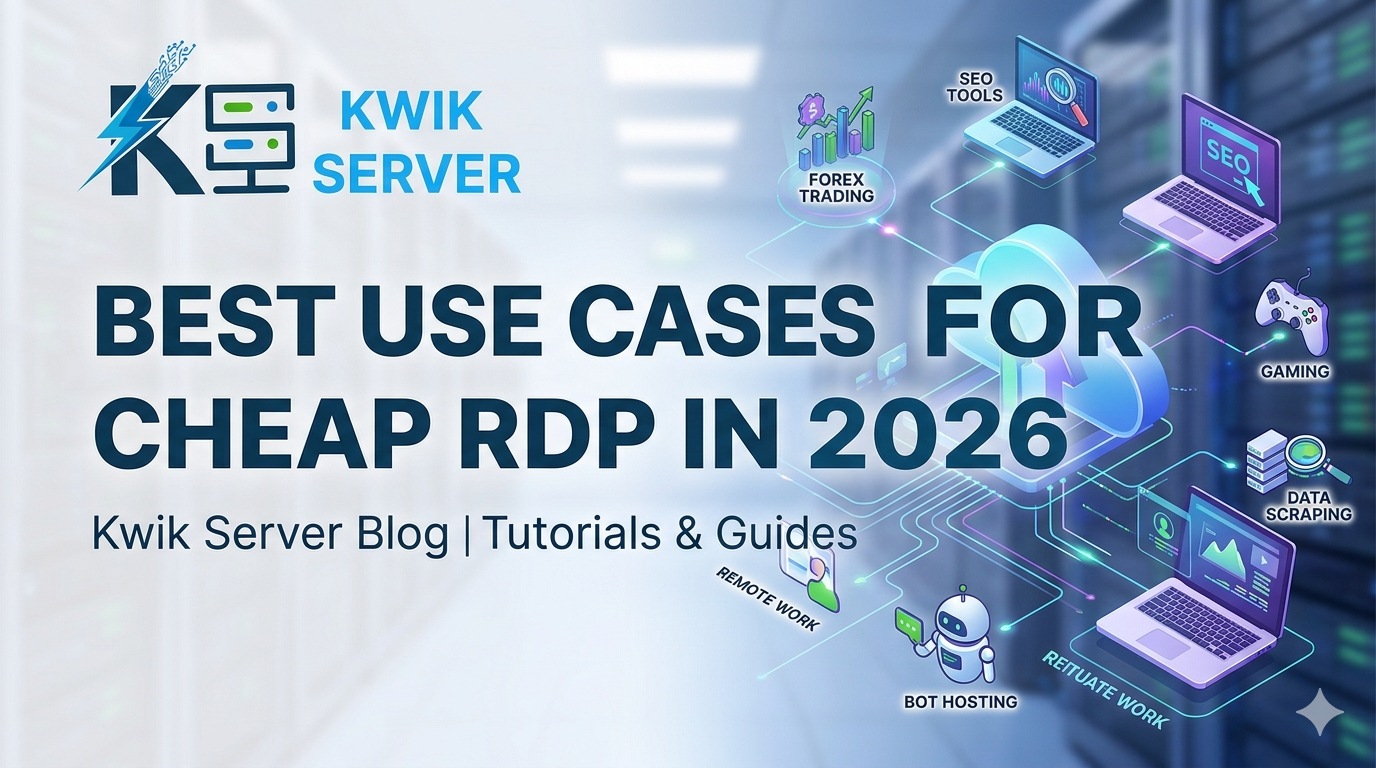
Best Use Cases for Cheap RDP in 2026
What Is RDP and Why Does “Cheap” Matter?
Remote Desktop Protocol (RDP) is a technology developed by Microsoft that lets you access and control a remote Windows computer over the internet — as if you were sitting right in front of it. You get a full desktop environment, persistent internet connection, and dedicated resources, all accessible from any device anywhere in the world.
The word “cheap” here is not about poor quality — it means cost-efficient. With cloud infrastructure becoming more affordable, you can now get a reliable Windows RDP server for as low as a few dollars per month. That opens the door for individuals, startups, and small businesses to access computing power that was previously reserved for large enterprises.
💡 Key insight: A cheap RDP is not a downgrade from a local PC — it is a shift in where your computing happens. Instead of your laptop doing all the work, a remote server does it 24/7, rain or shine, even when your device is off.
Top 8 Real-World Use Cases for Cheap RDP
Here are the most practical, proven, and money-saving ways people are using affordable RDP servers right now:
Traders run MetaTrader 4/5 or TradingView on RDP 24/7 without keeping their personal computers on. Low-latency servers near broker data centers reduce slippage.
Marketing bots, data scrapers, social media schedulers, and SEO tools run non-stop on RDP without consuming your local CPU or internet bandwidth.
Torrent clients, FTP transfers, and large cloud uploads run continuously on RDP — ideal for content creators and digital archivists with massive file volumes.
Small teams use RDP as a shared virtual office. Everyone logs in, accesses the same files and tools, and works in a consistent environment from any device.
Editors access high-RAM RDP servers to run Premiere Pro or DaVinci Resolve on underpowered laptops. Render jobs run overnight without keeping your machine on.
Access geo-restricted content, research competitor markets in other countries, or manage multiple ad accounts using RDP as a clean, isolated browsing environment.
Developers spin up RDP environments for isolated code testing, running IDEs like VS Code or Visual Studio, and experimenting without risking their main system.
Beginners host small WordPress or ASP.NET sites on Windows RDP using IIS, avoiding expensive managed hosting for personal or low-traffic projects.
Quick Comparison: Cheap RDP vs. Local PC
Still on the fence? Here is a side-by-side look at how an affordable RDP server stacks up against running everything on your personal computer:
| Feature | Cheap RDP Server | Local PC |
|---|---|---|
| Availability | 24/7 Online | Only when powered on |
| Access from anywhere | Yes — any device | Limited via VPN/TeamViewer |
| Electricity cost | Included in plan | You pay monthly |
| Hardware upgrades | Scale with a click | Requires physical parts |
| Setup time | Minutes | Hours (new machine) |
| Risk of hardware failure | Provider-managed | Your responsibility |
| Monthly cost | From $5–$30/mo | Amortized hardware cost |
Who Should Buy a Cheap RDP?
A cheap RDP is not a one-size-fits-all solution, but it fits more people than most expect. You are a great candidate if you identify with any of these profiles:
🧑💼 The Remote Worker
You work from different devices — a home laptop, a café machine, or a tablet — and need consistent access to the same files, software, and environment. A cheap RDP becomes your virtual office that travels with you.
📊 The Retail Trader
You run trading algorithms or Expert Advisors (EAs) on MetaTrader and cannot afford to leave your personal computer on 24/7. An RDP near your broker’s server keeps your strategies running without interruption or latency spikes.
🔧 The Developer or Tester
You want a clean Windows environment to test software, host a dev server, or run resource-heavy build processes without slowing down your primary machine. A cheap RDP acts as a disposable sandbox.
🏢 The Small Business Owner
You want a shared, centralized workspace for a small team without spending thousands on hardware or IT infrastructure. A multi-user RDP setup lets everyone log in, share resources, and stay productive.
Pro Tip: Before choosing a plan, list down the software you plan to run. RAM and CPU are the primary drivers of RDP performance — a trading EA needs far less than a video rendering workflow. Match the plan to the task, not the other way around.
Pro Tips Before You Buy a Cheap RDP
1. Check the Server Location
Latency is everything when you access an RDP daily. Always choose a server located in the same country or region as your primary use. Traders should prioritize proximity to broker servers like LD4 in London or NY4 in New York.
2. Understand Resource Allocation
Not all cheap RDP plans are equal. Look for dedicated RAM allocation, not shared. Oversold servers with shared resources will slow down during peak hours and frustrate you.
3. Verify Windows Version Included
Ensure the plan includes a genuine, activated Windows Server or Windows 10/11 license. Some very cheap providers offer unlicensed environments that can result in watermarks, limited features, or shutdown notices.
4. Test Uptime Before Committing Long-Term
Always start with a monthly plan. Once you verify that uptime, speed, and support meet your standards, you can switch to a quarterly or annual plan for discounts.
5. Look for Admin (RDP) Access, Not Shared Hosting
Full admin access means you can install any software, configure the firewall, and manage the server your way. Avoid plans that restrict admin rights unless you specifically need a managed environment.
Frequently Asked Questions
-
A usable cheap RDP typically starts at around $5–$10 per month with 2 GB RAM and 1–2 vCPUs. For light tasks like browsing, downloads, and basic automation, this is perfectly sufficient. For trading or development, aim for 4 GB RAM minimum.
-
Absolutely. RDP is a legitimate technology built by Microsoft and used by millions of businesses worldwide. What you do on the RDP must comply with local laws and the provider’s terms of service, but the technology itself is entirely legal and widely trusted.
-
Yes, as long as your plan has sufficient RAM and CPU. A 4 GB RAM RDP can comfortably run a browser, a trading terminal, and a scheduler simultaneously. For heavier multi-tasking, upgrade to 8 GB or higher plans.
-
A VPS (Virtual Private Server) is the underlying virtual machine — it can run any operating system. RDP is the protocol used to connect to a Windows-based VPS with a graphical interface. In everyday use, “Windows RDP” and “Windows VPS with RDP access” typically mean the same thing.
-
Security depends on how you configure it. Always use a strong, unique password, change the default RDP port (3389), enable Windows Firewall, and keep the OS updated. Never share your RDP login credentials with untrusted parties.
Ready to Get Your Cheap RDP Today?
Explore our affordable RDP plans starting at just a few dollars per month. Full admin access, genuine Windows license, and 24/7 uptime — guaranteed.
👉 View RDP Plans