
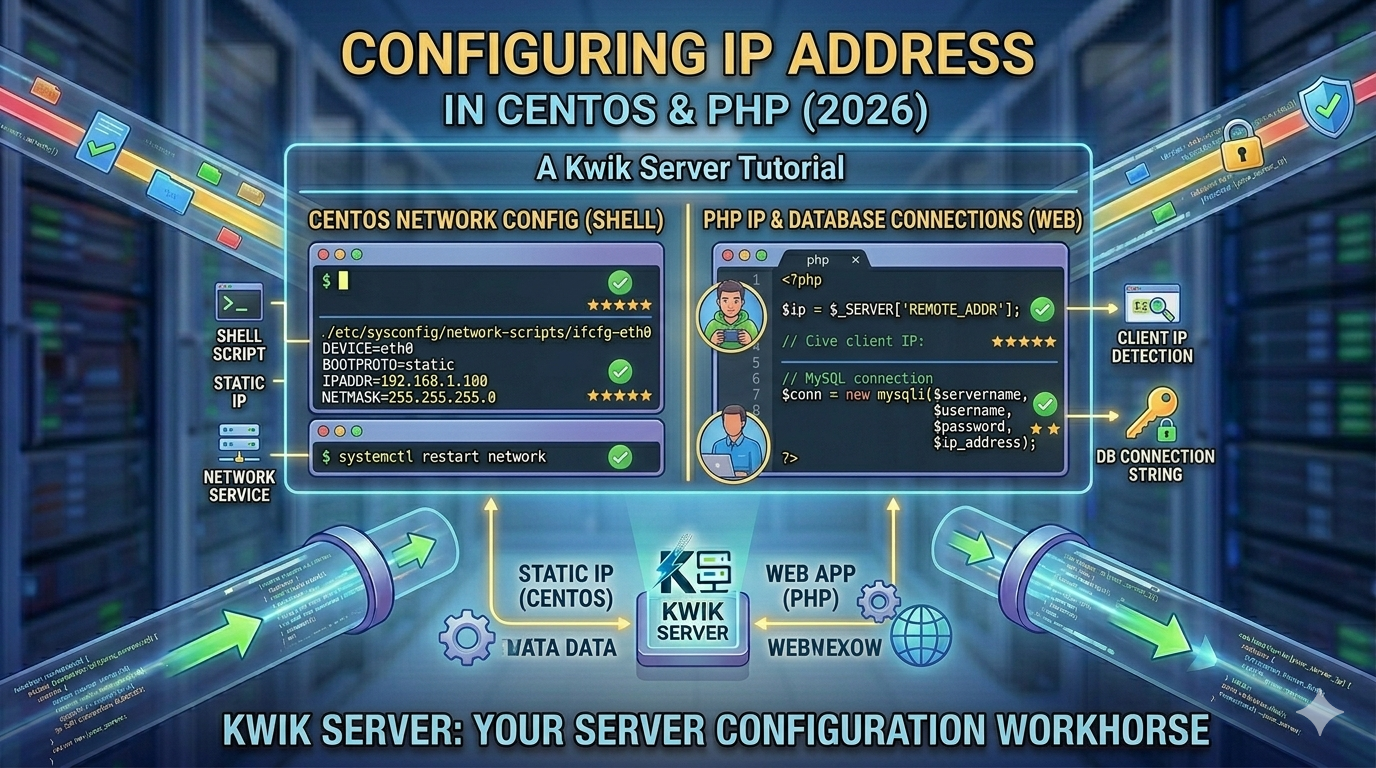
A static IP keeps a server reachable at the same address after every reboot. On a VPS the address is assigned to you, but CentOS still has to be told to use it — and how you do that changed between CentOS 7 and CentOS 8/9. This guide covers both, and how to recover if you lock yourself out.
1. Which method applies to your version
| Version | Configure with | Notes |
|---|---|---|
| CentOS 7 | network-scripts, or nmcli | Reached end of life in June 2024; no further security updates. |
| CentOS 8 | nmcli (NetworkManager) | network-scripts deprecated. |
| CentOS 9 / Stream | nmcli or keyfile | network-scripts removed entirely. |
2. Find your interface and current settings
Interface names vary — eth0, ens3 and enp1s0 are all common on VPS instances:
The interface holding your current address is the one to edit, and the default route line shows your gateway.
3. CentOS 7: network-scripts
Edit the file for your interface, for example /etc/sysconfig/network-scripts/ifcfg-eth0:
BOOTPROTO=none turns DHCP off, and ONBOOT=yes brings the interface up at boot — the setting most often behind a server that loses its address after a reboot. Then apply it:
4. CentOS 8, 9 and Stream: nmcli
List the connection first, then set each property on it:
Use the connection name exactly as nmcli connection show prints it — it is not always the device name. ipv4.method manual is the part that disables DHCP.
5. Editing the NetworkManager keyfile
On CentOS 9 and Stream, connections live in /etc/NetworkManager/system-connections/ as .nmconnection files:
The file must be owned by root with mode 600 or NetworkManager ignores it. Reload afterwards:
6. Verify the configuration
If pinging an IP works but a hostname does not, the address and gateway are correct and the remaining problem is DNS.
7. Troubleshooting
- Address disappears after reboot — ONBOOT=yes missing on CentOS 7, or connection.autoconnect off under NetworkManager.
- No connectivity at all — usually a wrong gateway, or one outside the subnet you configured.
- Changes appear to be ignored — on CentOS 8 and 9, editing network-scripts does nothing because NetworkManager owns the interface. Use nmcli.
- Locked out over SSH — reconnect on the old address if it still answers, otherwise use the provider console and check ip addr.
- Duplicate address — if another machine already uses the IP, both behave erratically. Confirm the address is yours before assigning it.
- Firewall blocks the port — the address can be right while firewalld drops traffic. Check with firewall-cmd –list-all.
8. Keeping SSH access while you work
Keep your existing session open and test the new address from a second terminal before closing the first. If the server becomes unreachable, the provider console is the fallback — which is why it is worth confirming you have one before you start.
Running this on a VPS? Everything above applies to KwikServer Linux VPS instances, where the assigned address, gateway and DNS servers are listed in your control panel.