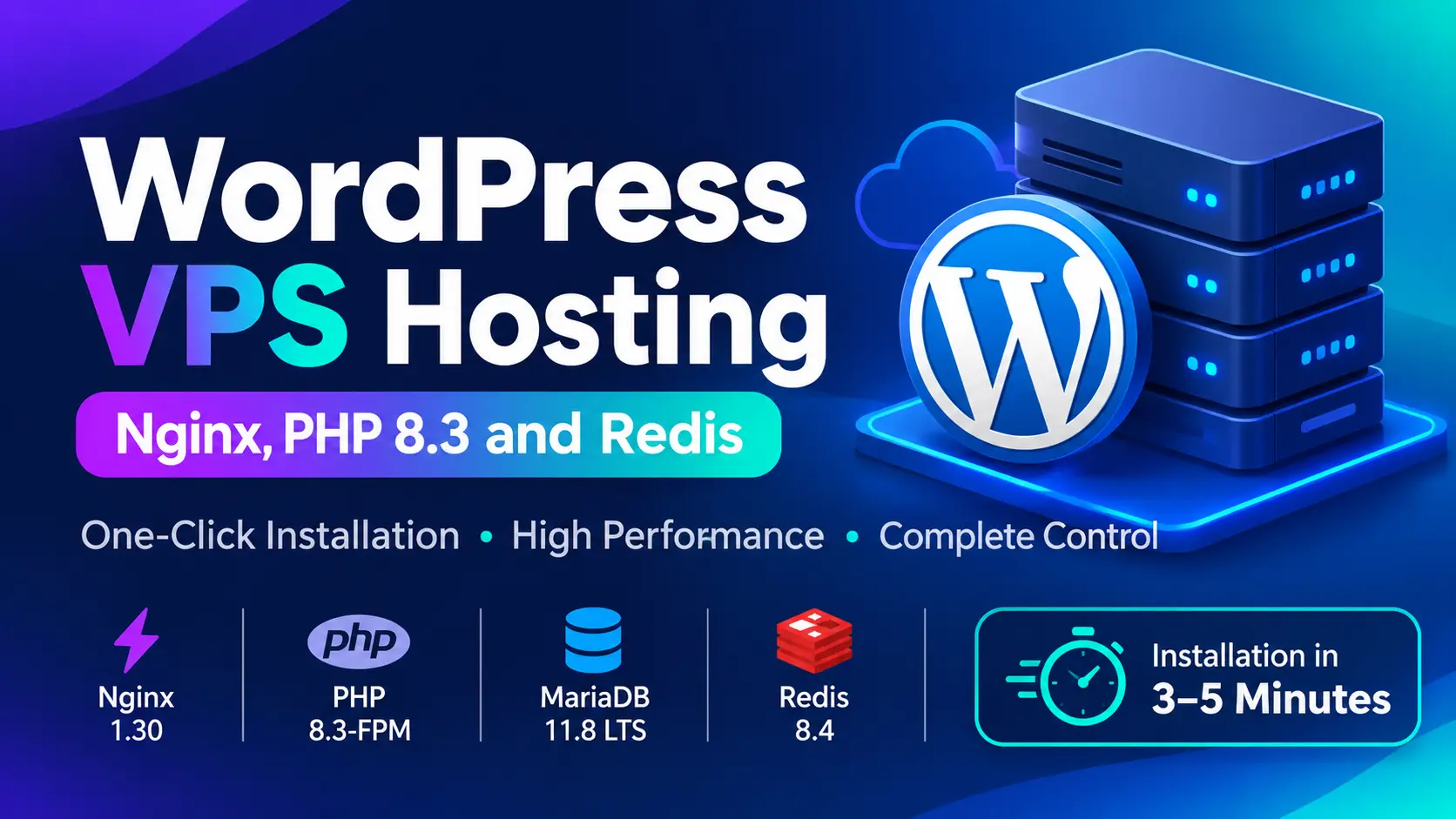
A WordPress VPS gives your site its own CPU, memory and disk instead of sharing them with hundreds of other sites. On a KwikServer VPS you can pick WordPress as a One-Click App: it is installed with Nginx, PHP 8.3-FPM, MariaDB and a Redis object cache in 3 to 5 minutes, using WP-CLI, with your admin account ready. The Basic plan runs most WordPress sites.
This guide is for site owners who have outgrown shared hosting, and for freelancers who build WordPress sites for clients. It covers the stack, the install, the first steps, your domain, caching, WP-CLI and backups.
What do you get with the one-click WordPress?
A tuned stack in Docker, the same pieces a performance-minded admin would pick:
| Part | Version | Why it matters |
|---|---|---|
| WordPress | 7.1 | Current release, installed with WP-CLI |
| PHP-FPM | 8.3 | Fast, supported PHP version |
| Nginx | 1.30 | Serves static files directly, with browser caching headers |
| MariaDB | 11.8 LTS | Long-term support database |
| Redis + Redis Object Cache plugin | 8.4 / 3.0.1 | Keeps database query results in memory |
The site runs behind an HTTPS proxy, and the WordPress admin is forced onto HTTPS.
How do you install WordPress with one click?
- When you order: choose WordPress in the “One-Click App” option of a Linux VPS.
- Later: open the Apps tab in the Zenith panel, pick WordPress and confirm (Ubuntu 22.04/24.04 or Debian 12/13).
- When it finishes, the Apps tab shows
https://your-server-ip:8480, the usernamewpadminand a generated password.
Why is the setup wizard never shown?
A fresh WordPress shows its famous five-minute install page to the first visitor, who can then create the admin account. Our installer uses WP-CLI to install WordPress from inside the server before the site is published, then checks that wp-admin/install.php reports “Already Installed” and that the admin login works.
The admin is called wpadmin rather than admin, because admin is the first name attackers try. “Anyone can register” is switched off; turn it on in Settings > General only if your site needs it.
What should you do after the first login?
- Log in at
/wp-adminand change the password under Users > Profile. - Attach your domain (next section) before you build pages, so links are created with the right address.
- Set Settings > Permalinks to “Post name” for readable URLs.
- Check Settings > Redis: the Redis Object Cache plugin should show “Connected”.
- Install your theme and only the plugins you need.
How do you use your own domain?
Point your domain’s A record (and www if you use it) at the server, then enter the domain in “Attach domain” in the Apps tab. Zenith requests a free Let’s Encrypt certificate and switches WordPress’s Site Address and WordPress Address to the new domain with WP-CLI, so you do not have to edit the database. The IP address keeps working as a fallback.
How fast is it, and do you still need a cache plugin?
Redis already removes most repeated database work for logged-in users and dynamic pages. For anonymous visitors, a page cache plugin can still help on busy sites, and an image optimisation plugin helps almost every site. Nginx already serves CSS, JavaScript and images directly with long browser cache times, so you do not need a plugin for that part.
How do you use WP-CLI on the server?
WP-CLI is included as a helper container. Log in to the server over SSH and run it from the app folder:
cd /opt/kwik-apps/wordpress
docker compose run --rm cli wp plugin list
docker compose run --rm cli wp core update
Anything you can do with wp on a normal server works the same way.
Which VPS plan do you need?
| Plan | CPU / RAM / disk | Price | Good fit |
|---|---|---|---|
| Basic | 1 vCore, 3 GB RAM, 200 GB | $19/mo | A blog, portfolio or company site |
| Essential | 2 vCores, 4 GB RAM, 400 GB | $25/mo | WooCommerce shops and busier sites |
| Comfort | 4 vCores, 6 GB RAM, 600 GB | $35/mo | High-traffic sites and large shops |
Order a Basic VPS with WordPress preselected or read the WordPress VPS page.
One site or many: app or control panel?
The one-click app installs one WordPress site. If you host several client sites, or want e-mail accounts and a file manager, a control panel such as HestiaCP or CloudPanel is the better fit. Compare them in our guide to free VPS control panels. A server runs either apps or a control panel, not both.
How do you back up WordPress?
A WordPress backup has two parts: the database and the files.
- Database: from
/opt/kwik-apps/wordpress, rundocker compose run --rm -T cli wp db export - > /root/wordpress-db.sql, then move the file off the server. Never save a dump inside thehtmlfolder: everything there can be downloaded from the web. - Files:
/opt/kwik-apps/wordpress/html/wp-contentholds themes, plugins and uploads.
A backup plugin that sends copies to cloud storage also works. The App Care add-on can handle updates and weekly off-server backups for you.
Frequently asked questions
Can I move an existing WordPress site here?
Yes. Use a migration plugin, or export the database and copy wp-content, then import with WP-CLI. Attach the domain afterwards and switch DNS when the copy is ready.
Does it send e-mail?
WordPress needs an SMTP plugin connected to a mail provider for reliable e-mail such as password resets and order notices.
Can I edit PHP settings?
Yes. You have root access, so you can change the PHP and Nginx configuration in the app folder and restart the containers.
What is the admin username?
wpadmin, with the password from the Apps tab.
Move your site to its own server
A Basic VPS with WordPress gives you Nginx, PHP 8.3 and Redis on your own KVM server, ready in minutes. See all apps on the App Hosting page or compare plans on the Linux VPS page.