
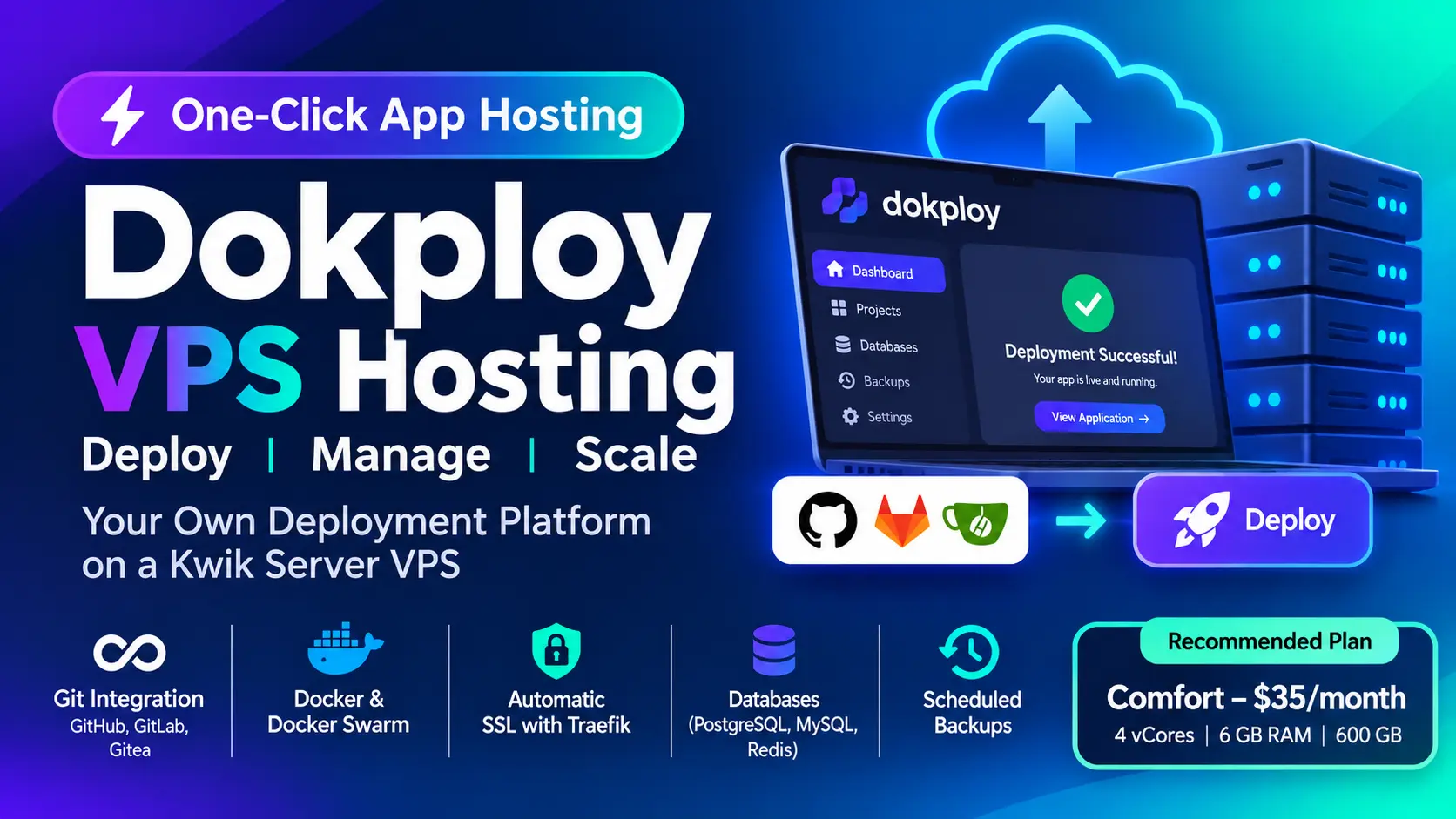
A Dokploy VPS gives you your own deployment platform, similar to Vercel or Heroku, on a server you control. On a KwikServer VPS, choose Dokploy as a One-Click App: it installs in 6 to 12 minutes with your owner account created first and the dashboard served over HTTPS. Dokploy needs a server of its own and at least 2 vCPU; Comfort is our pick.
This guide is for developers and small teams who want to deploy apps from Git without managing servers by hand. It covers what Dokploy is, the install, deploying an app with a domain, databases, the dashboard domain, worker nodes and backups.
What is Dokploy?
Dokploy is an open-source platform as a service (PaaS). It builds and deploys your applications from GitHub, GitLab, Gitea or a Docker image, runs databases with scheduled backups, supports Docker Compose projects and templates, and routes traffic through Traefik with free Let’s Encrypt certificates. Under the hood it uses Docker Swarm. See the Dokploy documentation.
Why does Dokploy need a server of its own?
Dokploy runs its own Traefik proxy on ports 80 and 443 for every app you deploy, and it turns the server into a Docker Swarm manager. That does not mix with other one-click apps or a control panel, so Zenith only installs it on a server where nothing else is installed. If you also want, say, Uptime Kuma, put it on a second VPS.
How do you install Dokploy with one click?
- When you order: select Dokploy in the “One-Click App” option of an Essential, Comfort or Elite VPS.
- On an existing server: it must have no other app or panel. Reinstall the OS from the Zenith panel and pick Dokploy on the reinstall screen, or install it from the Apps tab on a fresh system (Ubuntu 22.04/24.04 or Debian 12/13).
- When it finishes, the Apps tab shows
https://your-server-ip:3000; log in with your KwikServer account e-mail and the generated password.
We run Dokploy’s official installer for v0.31.4, and only after verifying that the installer script is exactly the version we tested.
What does the install change?
- Owner account first. On a fresh Dokploy the first sign-up becomes the owner. We sign you up before the dashboard is reachable, then confirm that further sign-ups get “Admin is already created”.
- Dashboard on HTTPS. Dokploy normally serves its dashboard in plain HTTP on port 3000. We move it behind our HTTPS proxy on the same port and block the internal port from outside, with a firewall rule that comes back after every reboot.
How do you deploy your first app?
- Create a Project, then add an Application.
- Connect your Git provider and pick the repository and branch, or use a Docker image.
- Choose the build type (Nixpacks, Dockerfile or buildpacks) and add environment variables.
- Under Domains, add the app’s domain. Point its DNS A record at the server, and Traefik requests a free Let’s Encrypt certificate.
- Deploy. Later pushes can redeploy automatically through a webhook.
How do you add a database with backups?
Add a PostgreSQL, MySQL, MariaDB, MongoDB or Redis service to a project, then set up a backup destination (S3-compatible storage) and a schedule in its backup settings. Keep backups off the server so they survive a server failure.
How do you put the dashboard on your own domain?
Dokploy manages its own certificates, so the Apps tab’s “Attach domain” box is not used. Point a DNS record such as deploy.example.com at the server, then set it in Dokploy under Settings > Web Server. Dokploy issues the certificate itself.
Can you add more servers?
Yes. Dokploy can deploy to remote servers and add Swarm worker nodes. The Swarm cluster ports (2377 and 7946) stay open for that purpose; joining a node requires a secret token from your dashboard.
Which plan do you need?
| Plan | CPU / RAM / disk | Price | Good fit |
|---|---|---|---|
| Essential | 2 vCores, 4 GB RAM, 400 GB | $25/mo | A few small apps |
| Comfort | 4 vCores, 6 GB RAM, 600 GB | $35/mo | Our recommendation: several apps and databases |
| Elite | 6 vCores, 8 GB RAM, 1000 GB | $50/mo | Many apps, heavier builds |
Dokploy itself uses about 1 GB; the rest is for your apps and their builds. Order a Comfort VPS with Dokploy preselected or read the Dokploy hosting page.
Dokploy or Coolify?
Both deploy apps from Git with automatic SSL and both need their own server. Dokploy is lighter and built around Docker Swarm and Compose. Coolify offers a larger catalogue of one-click services. Pick the interface you prefer; you can try one per server.
How do you back up Dokploy?
Use Dokploy’s scheduled database backups to S3-compatible storage for your apps’ data, and keep your application code in Git. For Dokploy’s own settings, back up its PostgreSQL database and the /etc/dokploy folder on the server.
Frequently asked questions
Can I install other apps next to Dokploy?
Not through the Apps tab. Deploy them inside Dokploy instead; that is what it is for.
How do I update Dokploy?
Dokploy has a built-in updater in its settings. Read the release notes before updating.
Why HTTPS on port 3000 instead of plain HTTP?
So your login and session never cross the internet unencrypted, even before you set a domain.
Where do I log in?
With your KwikServer account e-mail and the password from the Apps tab.
Deploy on your own platform
A Comfort VPS with Dokploy gives you a private PaaS with the owner account and HTTPS ready from the first minute. See all apps on the App Hosting page.